Ovulation tracking:
Four Easy Steps
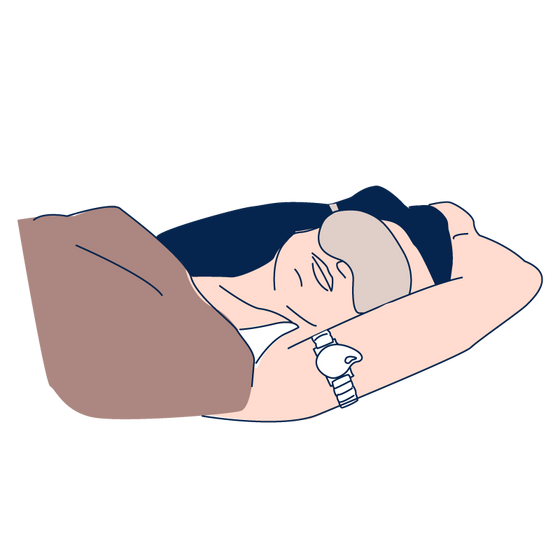
- Step 1: Wear before sleep
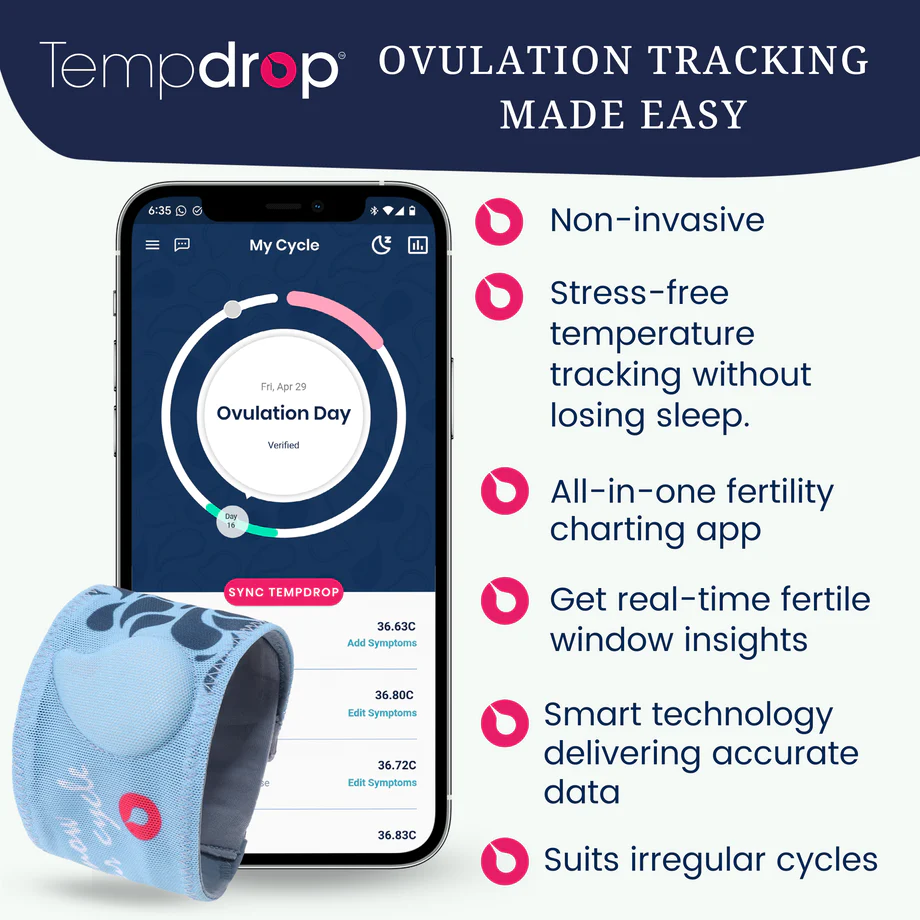
Before you go to sleep, press the drop-shaped button to turn on your Tempdrop sensor. Place the band on your upper arm and leave it on throughout the night.
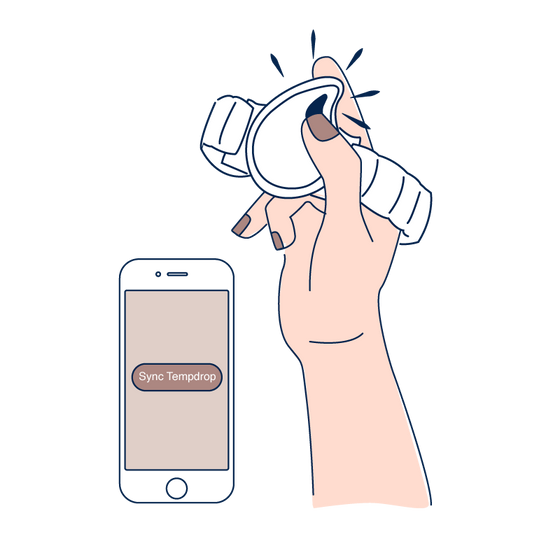
- Step 2: Sync whenever
Remove once you are up for the day and sync with the Tempdrop app whenever convenient.
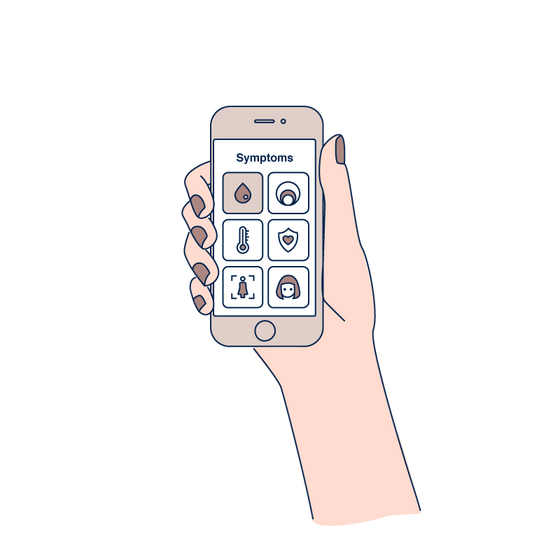
- Step 3: Add your symptoms
Track your symptoms to verify ovulation and learn about your cycle phases.
- Step 4: Get results
View the chart and interpret your results. Upgrade to premium for automatic interpretation.

Know your body:
Fertility & ovulation tracking
- Track Your Temperature
After ovulation, your body temperature rises and remains in a higher range until your next cycle starts. Tracking your sleeping temperature allows you to identify ovulation at home.
- Continuous Monitoring
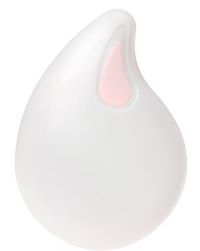
Each Tempdrop contains multiple sensors that measure your core temperature continuously throughout the night.
- Personal BBT Patterns
Tempdrop’s patented algorithm learns your unique nightly and monthly temperature patterns, filtering out disturbances for accurate results.
- Identify Fertility Window
Combining temperature readings with other fertility symptoms helps you more accurately identify your fertility window.